










How to set up your robot lawnmower in half a dozen easy steps
If you’ve been eyeing up a robot lawn mower but worry it’s too technical to install, think again. STIGA’s https://www.stiga.com/ latest range – starting with the A4 model at £999 – makes it refreshingly simple to get your lawn-loving robot up and running. No buried wires, no complicated programming, just smart tech that learns your garden and quietly gets to work. Here’s how to get started.
Choose the right mower for your lawn
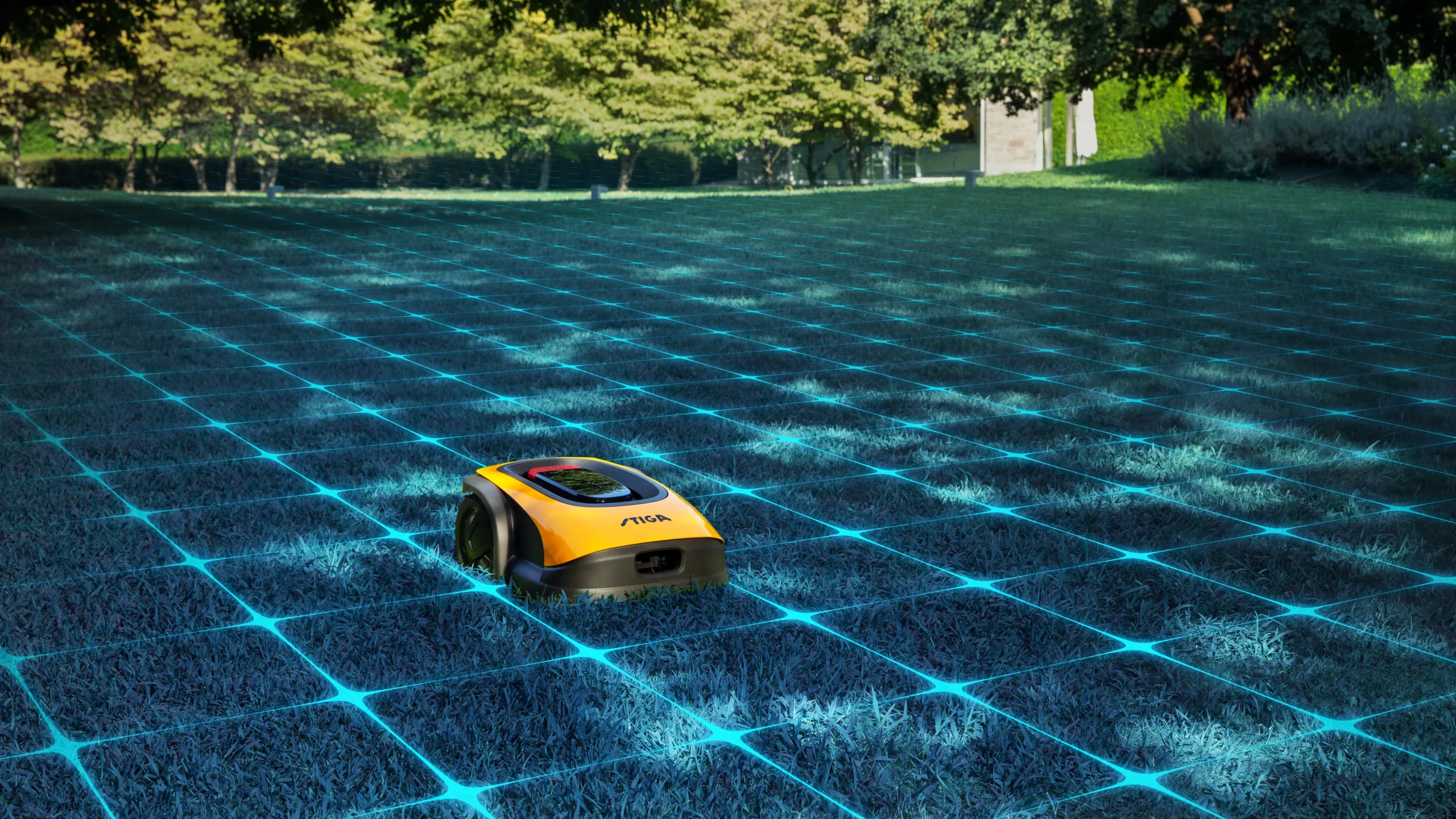
From compact courtyards to larger plots, STIGA has a GPS-guided model to suit. Each mower builds a virtual map of your garden, so size and shape are no obstacle.
Position the charging dock
Place it on a flat, open area with a power source nearby. Your mower will automatically return here when it needs a recharge – even mid-job.
Map your lawn
Forget physical boundaries. STIGA’s satellite positioning tech lets the mower create virtual perimeters, learning the layout of your lawn, slopes, and flowerbeds.
Set your cutting height
Want a pristine putting-green look or a soft, barefoot-friendly finish? Adjust the height directly via the app or on the mower itself.
Clear away temporary obstacles
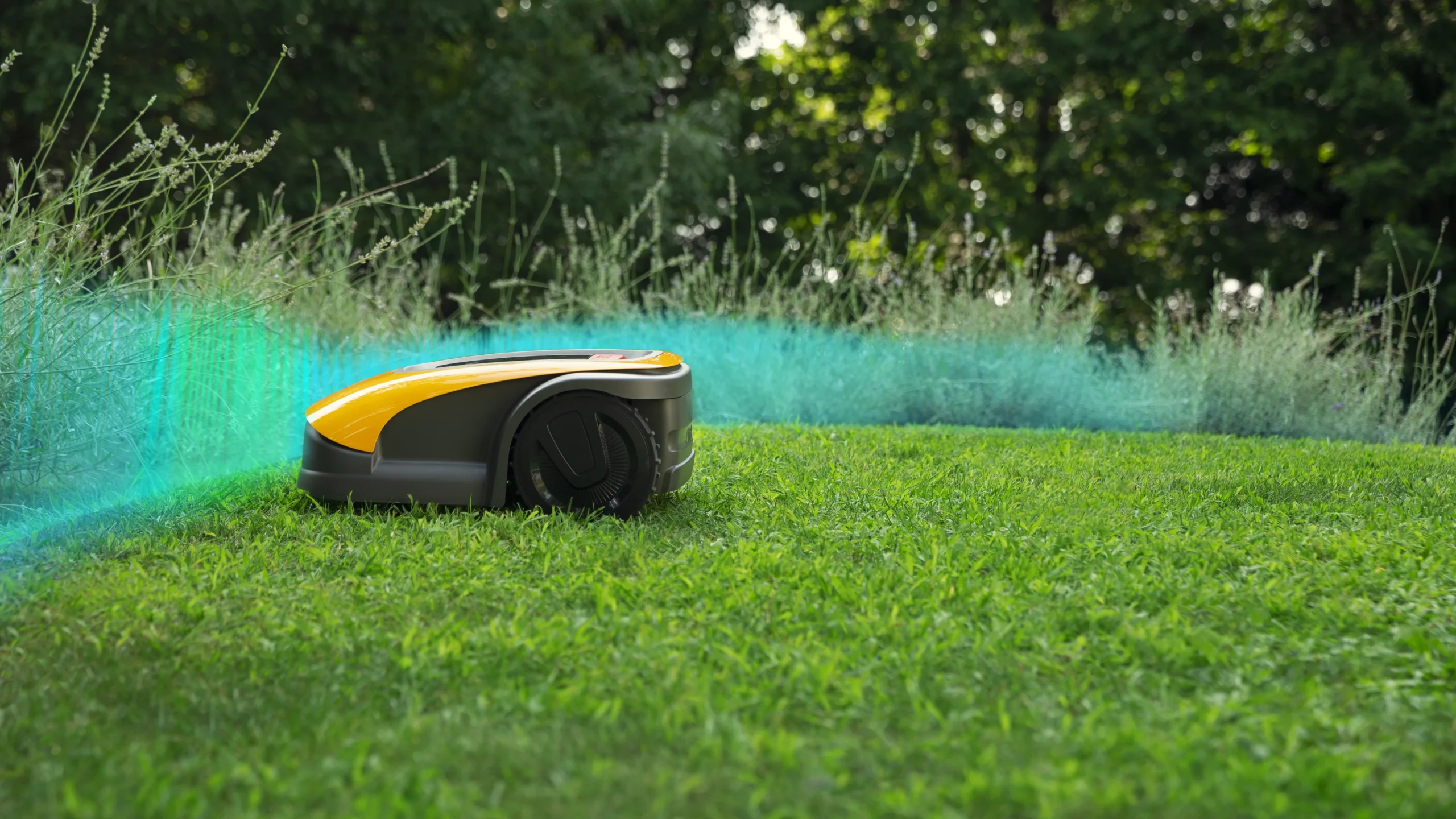
STIGA’s models run at a whisper-quiet 58 decibels and stop instantly if lifted or nudged – safe for curious pets and children alike.
Once set up, all that’s left to do is sit back and enjoy the hum of efficiency. Smart, quiet and totally autonomous – your weekends just got an upgrade.
Explore the full STIGA range and connect on Facebook and Instagram